
Someone decides to self-publish a book. Maybe a journal, maybe a novel, maybe a workbook. They search “print my book” and suddenly they’re staring at print-on-demand services, digital printers, offset printers, distributors, freight costs, paper weights, binding options… and the whole thing turns into a mess.
I’ve watched a lot of authors burn money at this stage. Not because they were careless. Because nobody explained the landscape clearly.
So let’s fix that.
What follows is what I tell authors when they ask me about offset printing in New Zealand specifically.
The First Thing Most Self-Publishers Don’t Realize About Offset Printing
Here’s the blunt truth.
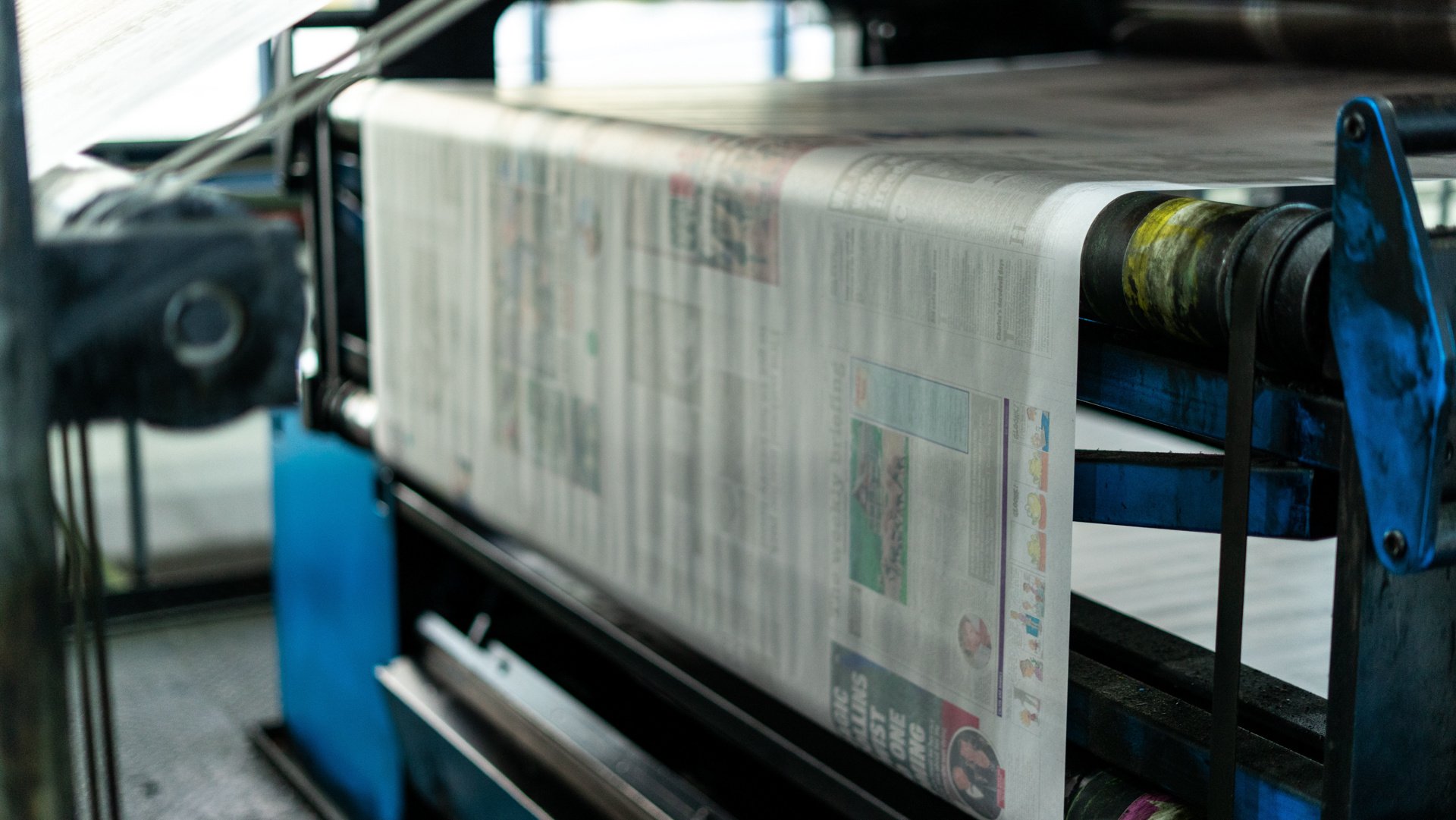
Offset printing only makes financial sense when you’re printing hundreds or thousands of copies.
Not 20.
Not 50.
Think 500–1000 copies minimum before offset becomes cheaper than digital.
Why?
Offset requires metal printing plates, press setup, calibration runs, ink balancing. That setup cost gets spread across the entire print run.
Example:
| Print Method | Setup Cost | Cost Per Book | Best For |
|---|---|---|---|
| Digital Printing | Almost none | Higher per unit | Small runs (1–200) |
| Offset Printing | High setup | Very low per unit | Large runs (500–10,000+) |
So if you’re planning to print 1,000 journals, planners, or paperback books, offset printing in New Zealand can save a serious amount of money.
But if you’re testing a new title? Digital wins.
This is the first fork in the road most authors miss.
The Offset Printers in New Zealand That Actually Work With Self-Publishers
A lot of commercial printers prefer corporate clients. Catalogs. Magazines. Government work.
Some will happily take a self-publisher. Some won’t return your email.
These companies tend to be reliable and used to book work.
Blue Star Group (One of the Largest Print Operations in NZ)



4
Blue Star is a massive commercial printer in New Zealand.
They run large offset presses and produce things like:
- magazines
- catalogs
- books
- educational materials
Pros:
- Huge production capacity
- High quality color work
- Professional binding options
Cons:
- You usually need larger print runs
- Smaller indie authors sometimes feel like small fish here
Still, if you’re printing 1000+ books, they’re worth contacting.
Soar Print (Very Friendly to Small Publishers)


4
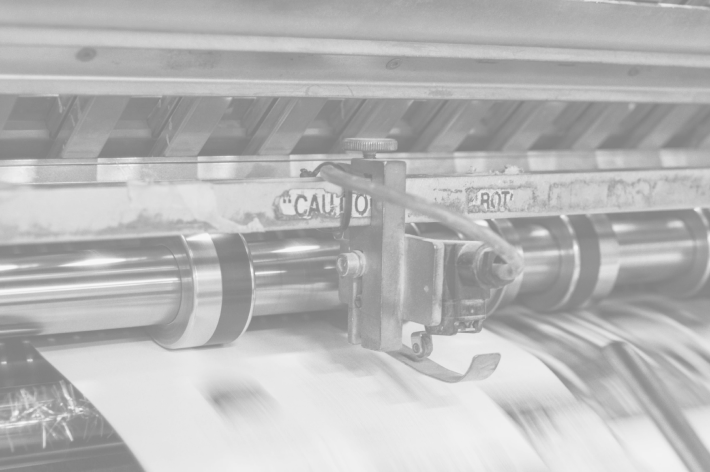
I’ve recommended Soar Print to authors before.
They’re not a giant corporate machine. That helps.
What they handle well:
- books
- manuals
- journals
- planners
Good things about them:
- Approachable for smaller runs
- Helpful staff who guide new authors
- Solid binding and finishing
If someone is self-publishing their first real print run, this is the kind of printer I suggest contacting first.
Kale Print (Good Reputation for Book Production)
4
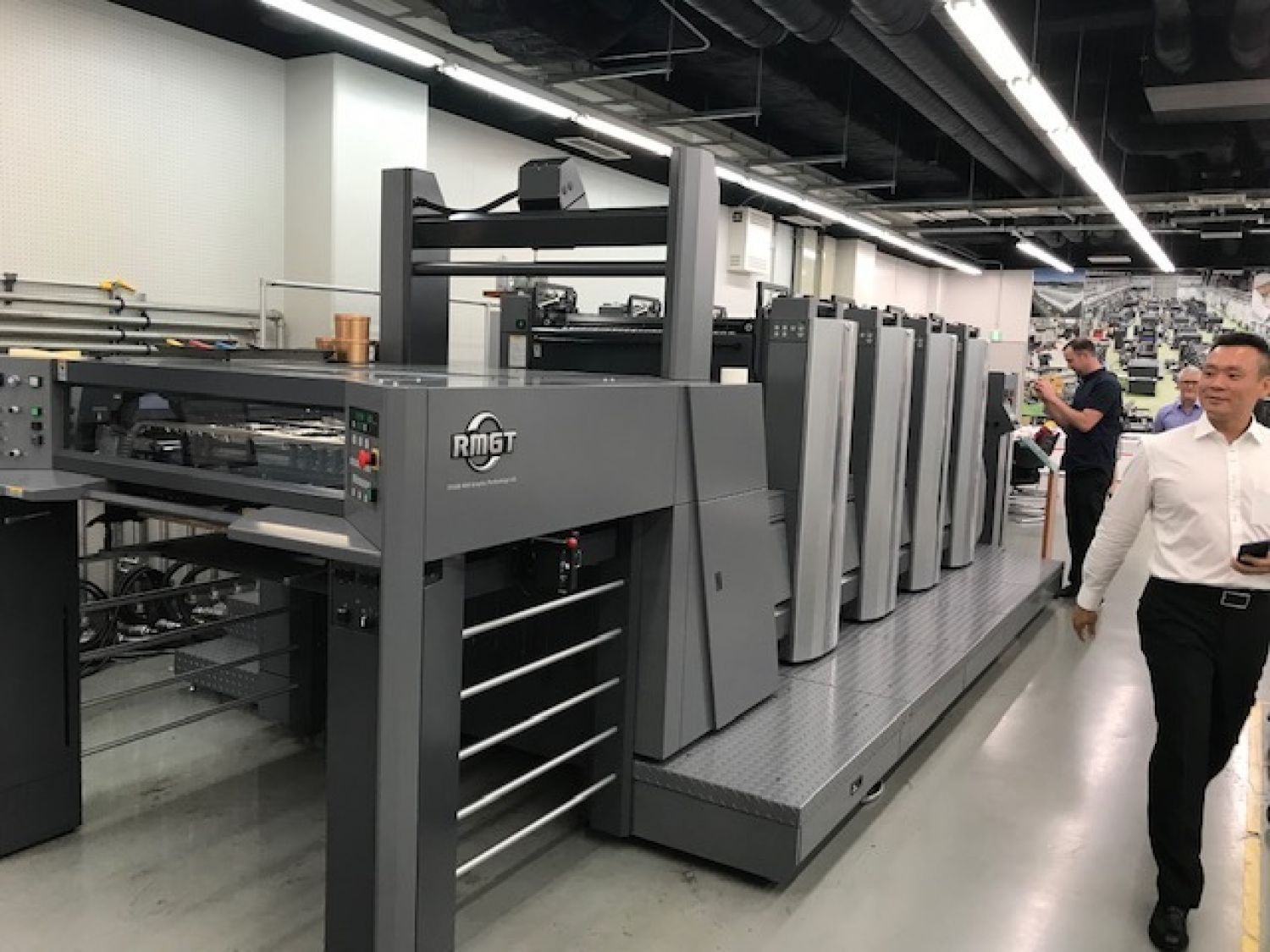
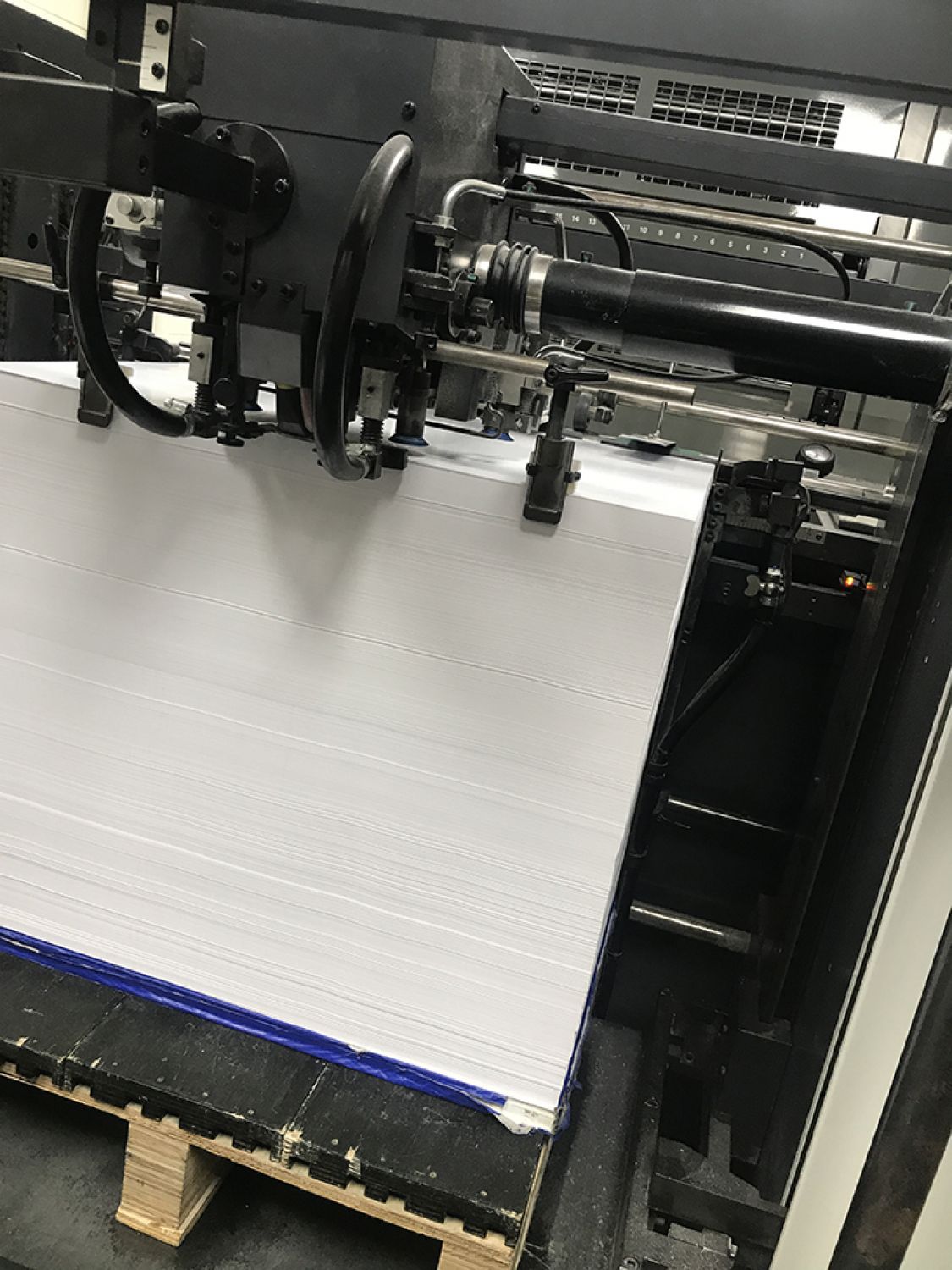
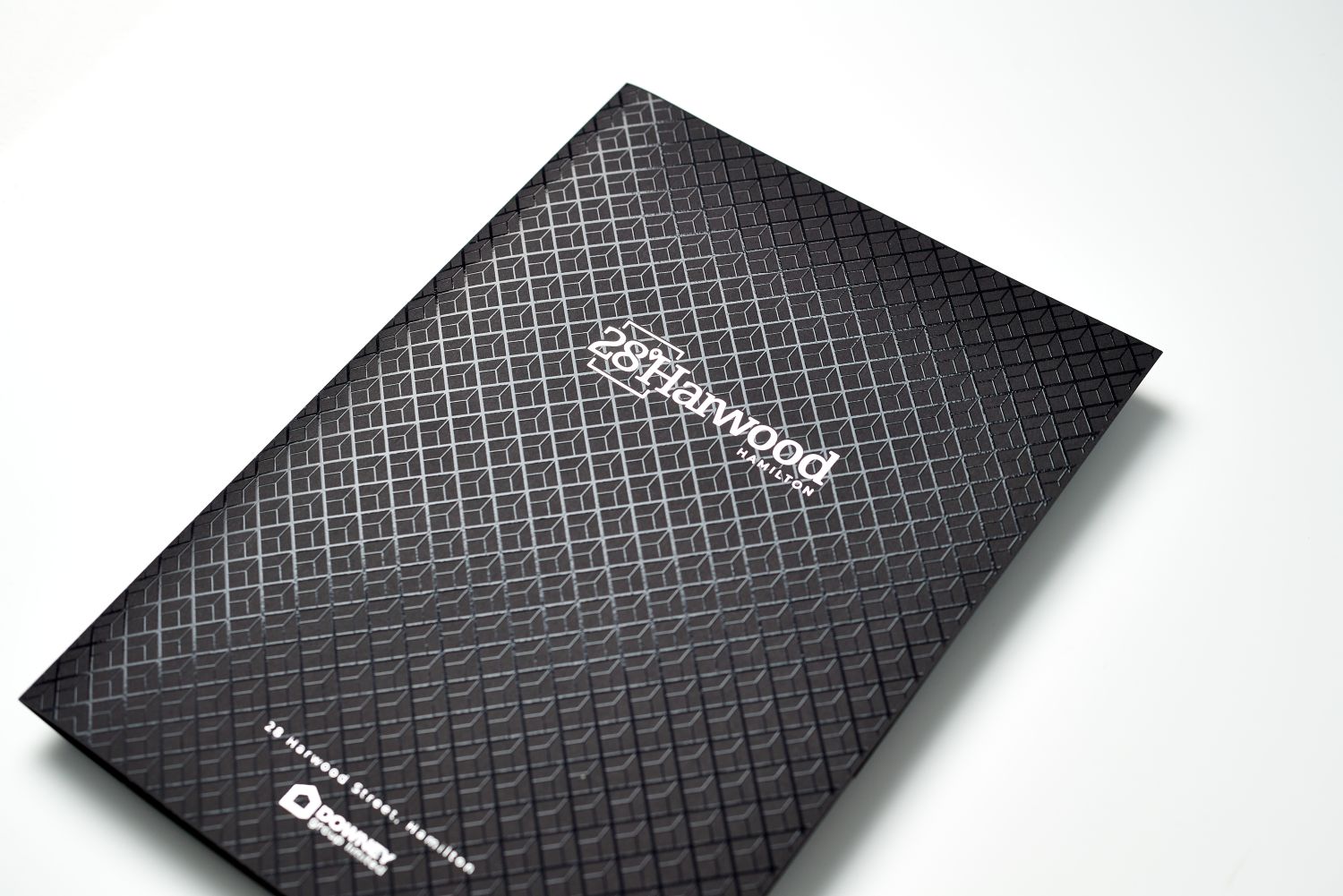
Kale Print has been around a long time.
They do:
- offset printing
- book printing
- packaging
- commercial work
Strengths:
- Strong print quality
- Experienced with publishers
- Multiple finishing options
If your book requires high-quality color pages, they’re a solid option.
Scorpion Press (Small But Skilled)

4
Smaller shop. Good craftsmanship.
That can be a good thing.
Smaller printers often provide:
- more attention to detail
- better communication
- flexibility with indie projects
If you hate dealing with large corporations, this type of printer is often easier to work with.
The Question Every Printer Will Ask You Immediately
The moment you contact an offset printer, they will ask four things.
If you don’t have answers ready, the conversation stalls.
Here’s what they need:
1. Page count
Example:
120 pages
200 pages
2. Trim size (book dimensions)
Common sizes:
- 5 × 8 inches
- 6 × 9 inches
- 8.5 × 11 inches
3. Paper type
Typical interior paper:
- 70gsm uncoated
- 80gsm cream
- 100gsm
Cover paper usually:
- 250gsm–350gsm
4. Binding style
Most books use:
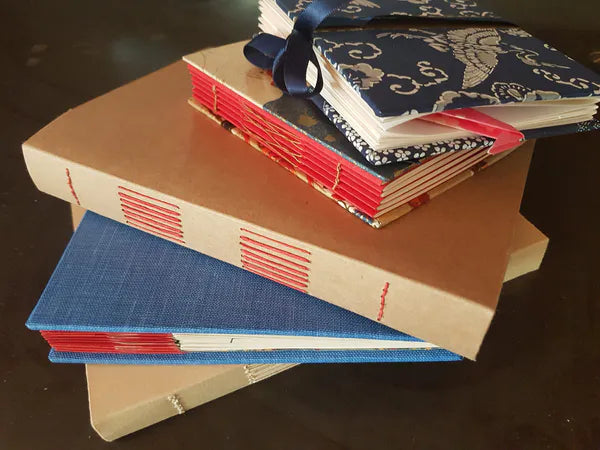
- Perfect binding (paperback)
- Saddle stitch (thin booklets)
- Case binding (hardcover)
Without these specs, they can’t quote.
The Weird Cost Trap That Catches New Authors
Shipping.
This part surprises people.
Books are heavy.
If you print:
- 1,000 paperbacks
- 250 pages each
You’re looking at roughly 700–900 kg of freight.
Printers usually quote EX-WORKS pricing. That means printing only.
You may still pay for:
- pallet shipping
- warehouse handling
- delivery
This is why sometimes authors print overseas even when they live in New Zealand.
China and Singapore printers dominate the global book manufacturing market.
But that comes with longer shipping times and customs.
Trade-offs everywhere.
Offset vs Print-On-Demand (The Honest Comparison)
Many authors ask this.
Here’s the reality.
| Factor | Offset Printing | Print-on-Demand |
|---|---|---|
| Cost per book | Much cheaper | Higher |
| Upfront investment | High | Almost none |
| Inventory risk | You store books | No storage |
| Quality | Excellent | Good but varies |
| Speed | Slower setup | Instant |
Offset wins when you know the book will sell.
Print-on-demand wins when you’re testing a title.
The Simple Mistake That Ruins Print Runs
Margins.
I’ve seen authors print 1000 books with text cut too close to the spine.
Unfixable.
Professional printers require:
- Bleed: 3mm
- Safe margin: 10–12mm
- Spine width calculated from page count
Miss those specs and your print file gets rejected.
Or worse.
Printed wrong.
The File Setup That Printers Expect (But Authors Rarely Know)
Printers almost always want:
- PDF/X-1a files
- CMYK color profile
- 300 DPI images
- Embedded fonts
Design programs commonly used:
- Adobe InDesign
- Affinity Publisher
- Adobe Illustrator
Word documents? Almost always cause problems.
One Final Piece of Advice I Wish Every Self-Publisher Heard Earlier
Before printing 1000 books…
Print one prototype.
Seriously.
Use a digital printer locally. Even Officeworks-style shops.
Check:
- margins
- readability
- paper feel
- binding strength
Hold the book in your hand.
Errors that are invisible on screen jump out immediately.
That single test copy has saved authors thousands of dollars.
If you want, I can also show you:
- How to get offset printing in China for 70% cheaper
- The exact email template printers respond to fastest
- How to calculate spine width correctly before printing
Those three things alone save most first-time publishers from expensive mistakes.