
Most writers start looking for formatting tools right after they finish writing.
And that’s usually when the frustration begins.
Margins look wrong. Page numbers jump around. Chapter headings refuse to stay where you put them. Then suddenly your table of contents is broken and half the pages start on the wrong side.
I’ve helped authors untangle manuscripts that looked like a tornado hit them. Word files with five different fonts, three types of indents, and page numbers floating in the middle of nowhere.
So let’s cut straight to the thing people actually want to know:
Which tool lets you format a book without fighting it for three hours?
Not the most powerful.
Not the most professional.
The one that simply gets the job done without headaches.
Here are the tools I’ve seen work best.
The Easiest Option for Most Authors: Atticus
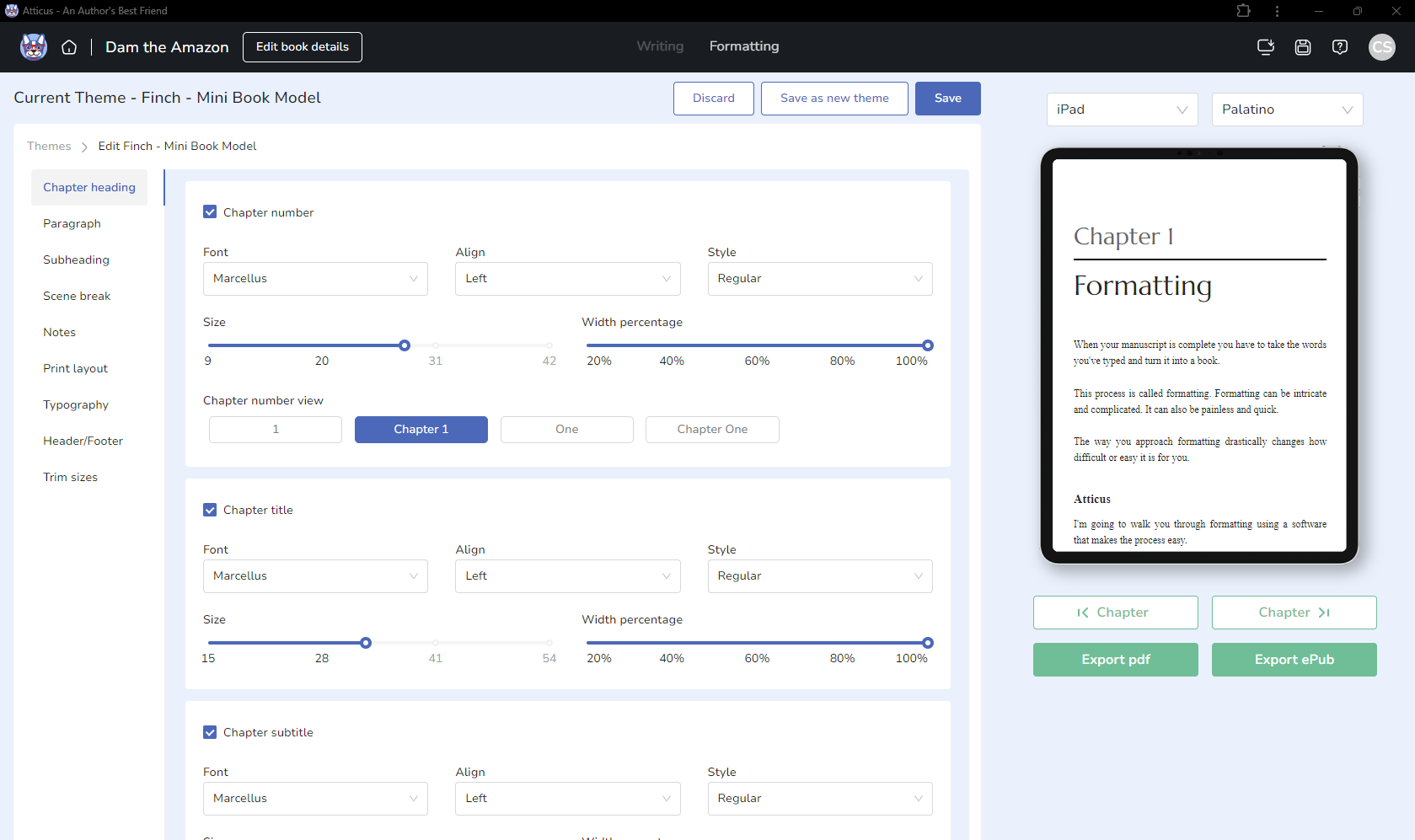
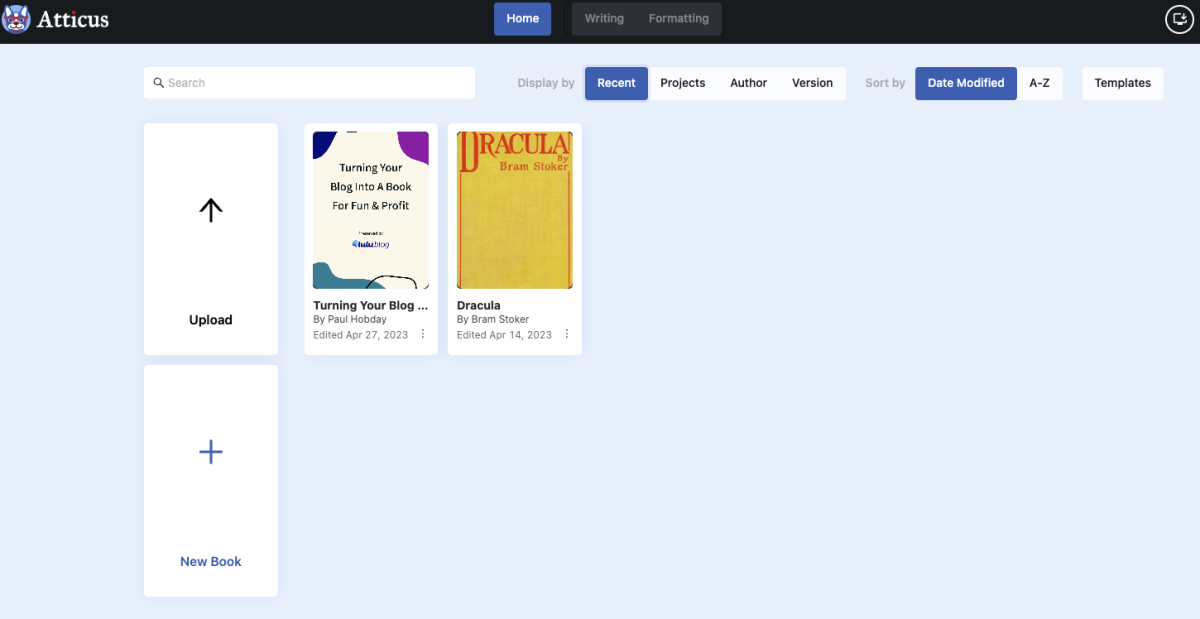
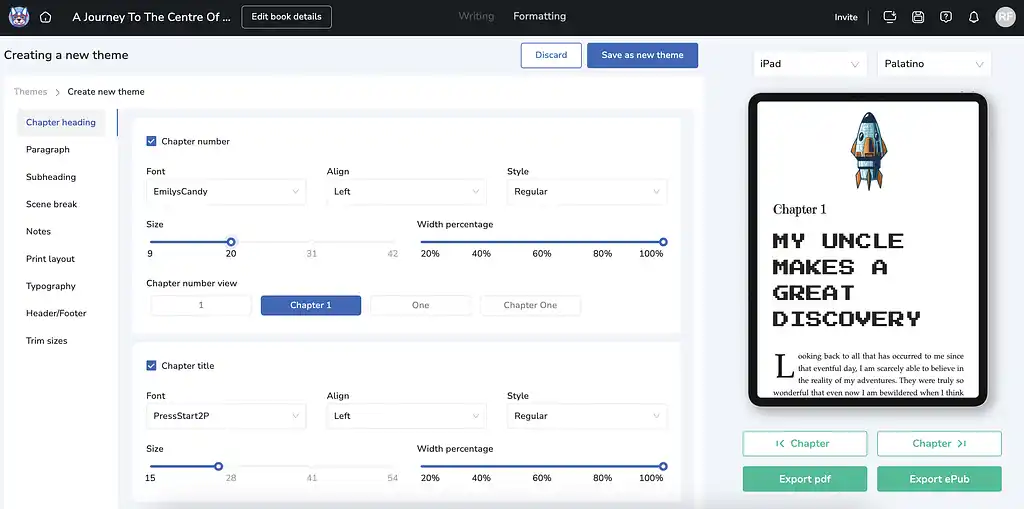
If someone asked me today, “What should I use if I just want this book formatted and published?” — this is the one I’d point them to.
Atticus was built specifically for authors, not for office documents or academic papers.
That changes everything.
Instead of manually setting margins, headers, and scene breaks, you pick a style and the software handles the structure.
The big advantages:
- One-click formatting themes
- Automatic chapter layout
- Clean export for Kindle, EPUB, and print
- Built-in writing environment
- Works on Mac, Windows, Linux, and browser
What surprises most people is how fast it works.
A normal manuscript can go from messy document to formatted book in about 10–15 minutes.
Pick a theme.
Check chapter breaks.
Export.
Done.
That’s why indie authors use it so heavily.
The one downside: it’s paid software. But it’s a one-time purchase instead of a subscription.
The “I Already Have Word” Method
Some people don’t want to learn new software.
Fair enough.
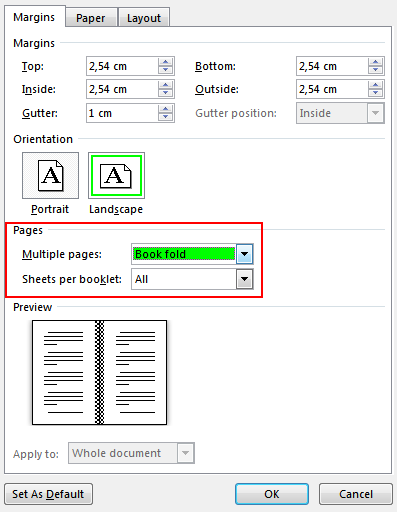
Microsoft Word can absolutely format a book — if you use it correctly.
The mistake I see constantly is people manually styling everything.
They center headings themselves.
They adjust spacing manually.
They add page breaks randomly.
That approach turns Word into chaos.
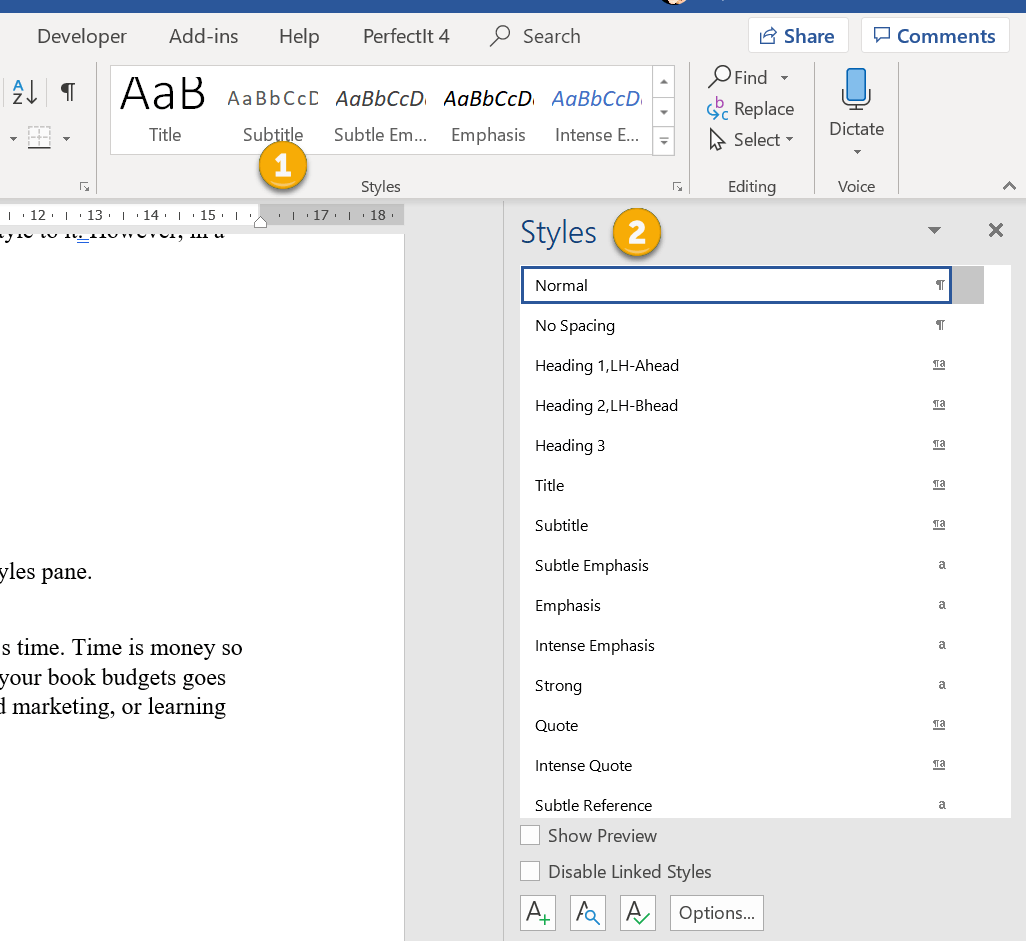
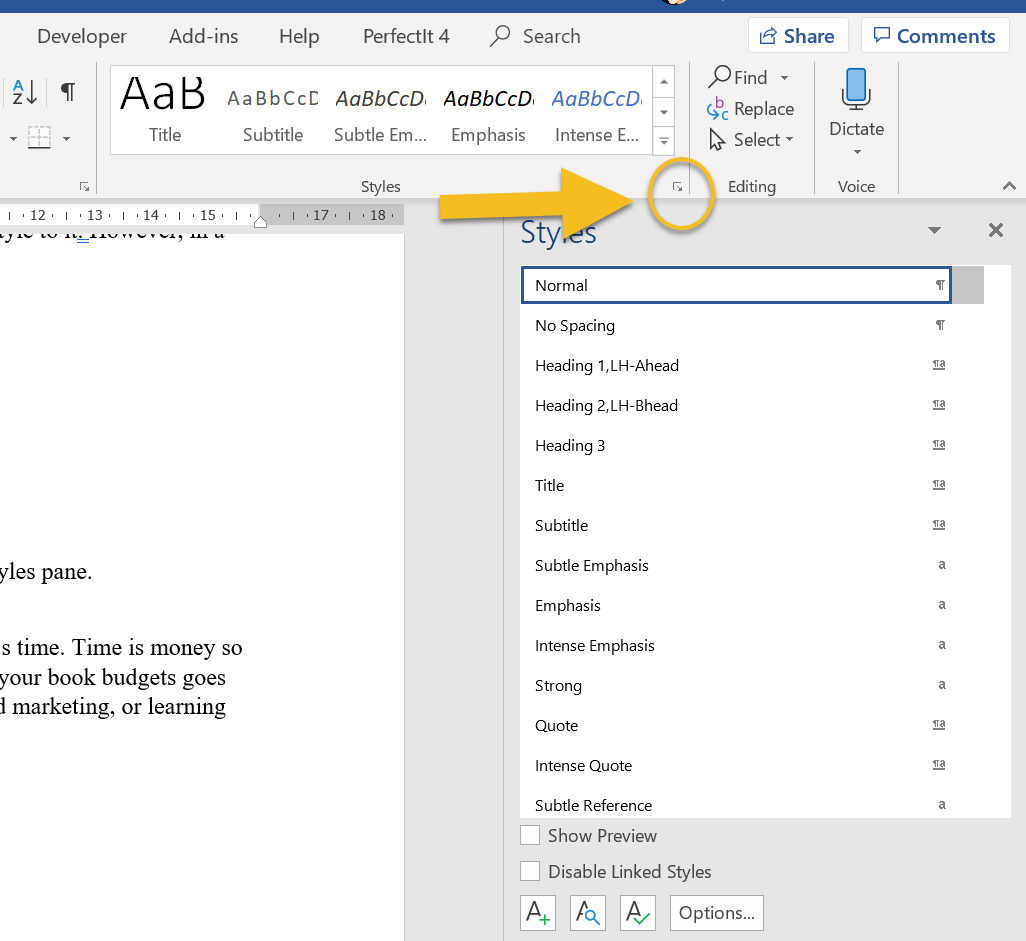
Instead, rely on Styles.
The three you need:
- Heading 1 → chapters
- Normal → body text
- Scene break style → separators
Once styles are set, Word can automatically generate:
- a table of contents
- consistent chapter formatting
- stable spacing
Without styles, Word becomes a formatting nightmare.
With styles, it behaves.
Still… it’s not the easiest tool for beginners.
The Tool That Designers Love: Vellum (Mac Only)
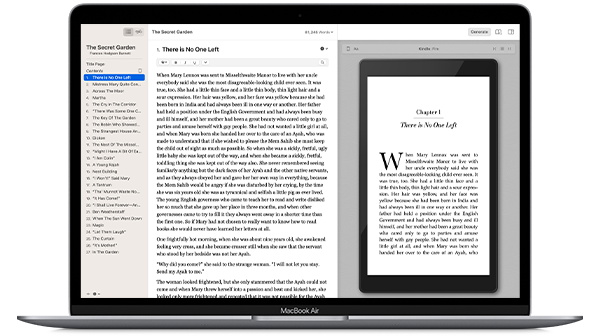
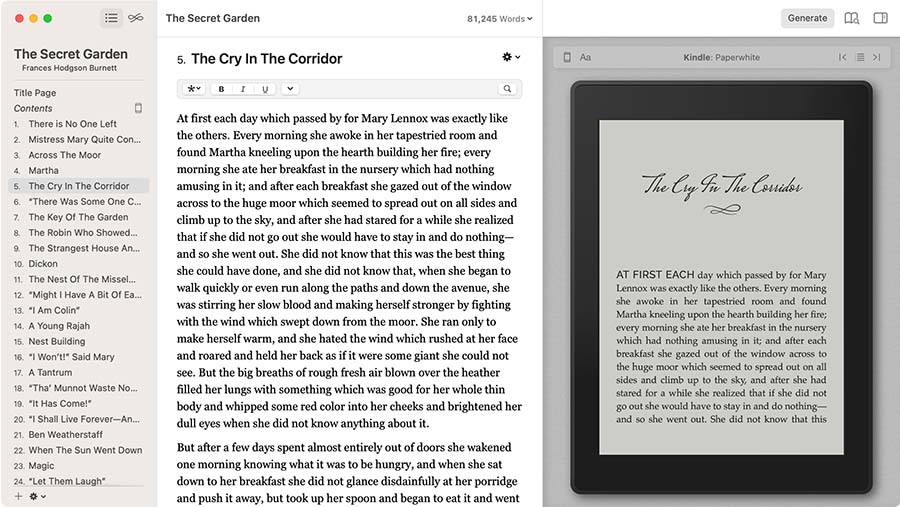
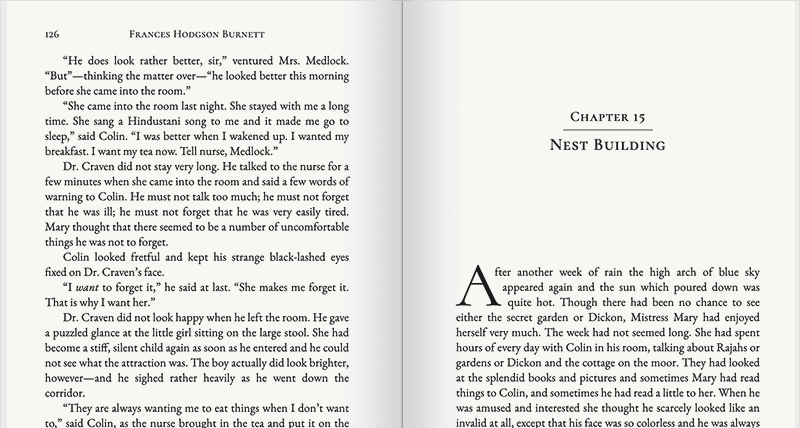
If Atticus is the easy all-rounder, Vellum is the gold standard for visual polish.
It produces some of the cleanest book interiors you’ll see.
Authors like it because you can instantly preview different book designs. Change the theme and the entire book updates.
Common reasons people use it:
- Beautiful typography
- Professional chapter layouts
- Instant ebook and print previews
- Extremely stable exports for Amazon KDP
The catch?
Mac only.
That single limitation stops half of writers from using it.
And it’s expensive compared to other options.
But if someone is publishing regularly and wants professional interiors without hiring a formatter, Vellum is excellent.
Quick Comparison (So You Don’t Waste Time Testing Everything)
| Software | Difficulty | Best For | Platform |
|---|---|---|---|
| Atticus | Very easy | Most indie authors | Mac, Windows, Linux |
| Microsoft Word | Moderate | People who already use Word | All |
| Vellum | Easy | Premium book formatting | Mac only |
If simplicity is the priority, Atticus usually wins.
The Formatting Mistake That Wastes the Most Time
Writers obsess over fonts and margins first.
Wrong place to start.
What actually breaks books are structural problems:
- inconsistent chapter breaks
- random page breaks
- manual spacing instead of styles
- pasted text from different documents
- inconsistent paragraph indents
Fix the structure first.
Once chapters and paragraphs are clean, formatting becomes almost automatic.
Ignore structure and you’ll spend hours chasing tiny layout problems.
The Shortcut Most New Authors Miss
Before importing your manuscript into any formatter, do one quick cleanup:
- Use one font
- Remove double spaces
- Replace manual indents with paragraph styles
- Delete extra blank lines between paragraphs
That five-minute cleanup saves hours of formatting headaches later.
Trust me on this. I’ve rescued manuscripts where formatting errors came from nothing more than hidden spacing.
If You Just Want the Simplest Answer
Here it is.
Use Atticus.
Import your manuscript.
Pick a style.
Export your book.
You’ll spend more time choosing your chapter heading design than actually formatting the book.
Which, honestly, is exactly how book formatting should feel.