
Yeah… this one frustrates people more than it should.
You download a .mobi file, try to open it somewhere else, and suddenly nothing works. Or worse — it opens, but formatting is wrecked. Blank pages. Weird fonts. Missing images.
Good news? This is fixable. Cleanly.
Let me show you how this actually works — not the theory, but what works in real life.
The #1 Thing Most People Miss
Here’s the truth:
MOBI is basically a dead format.
It was built for older Kindle systems. EPUB is the modern standard used everywhere else.
So when you “convert,” you’re not just changing the file extension — you’re translating one book structure into another.
And that’s why things sometimes break.
The Fastest, Cleanest Fix (Use Calibre)
If you’ve been trying random websites and getting garbage output… stop.
Use Calibre. It’s what people who deal with ebooks daily actually use.
What it looks like
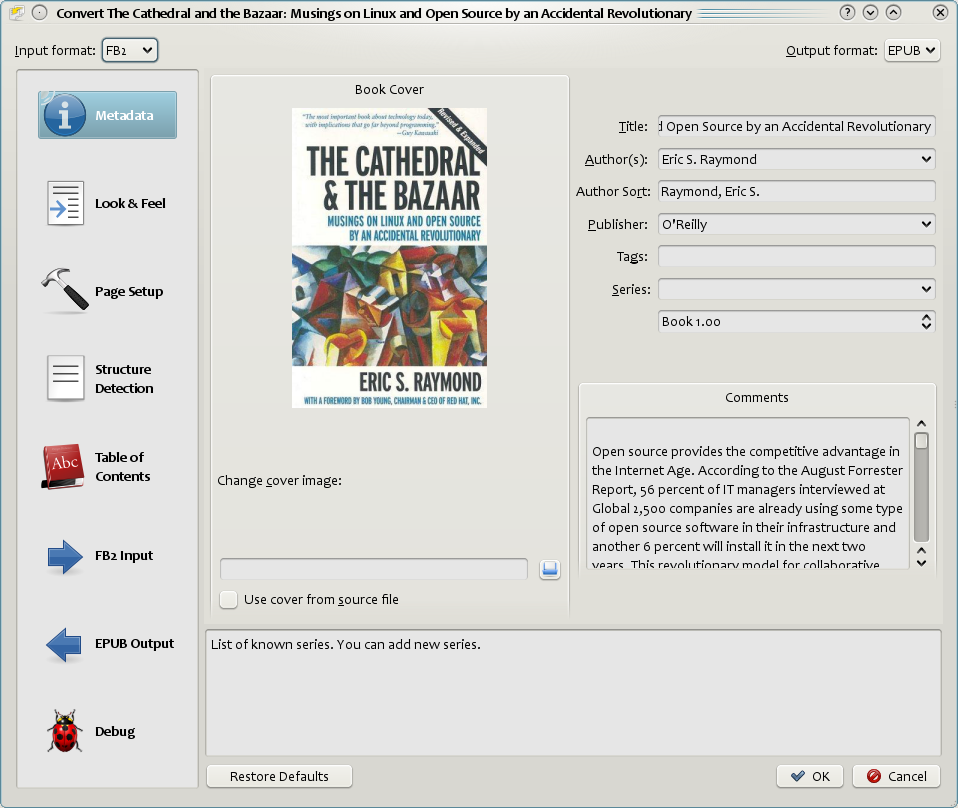
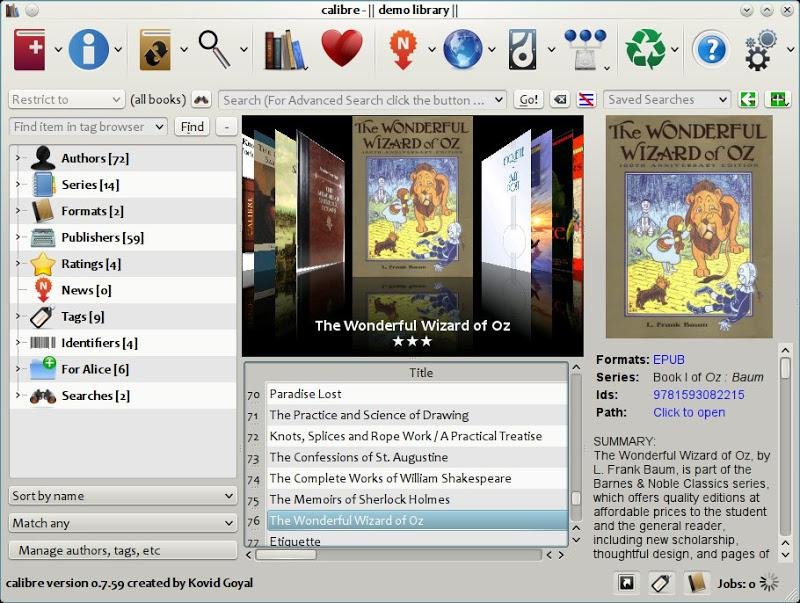

Do this:
- Install Calibre (Windows, Mac, Linux)
- Open it
- Drag your .mobi file into the window
- Click Convert books
- Top right: choose EPUB
- Hit OK
That’s it.
That single button solves 90% of cases.
Why Calibre Works When Others Fail
Most online converters just repackage the file.
Calibre actually rebuilds the book structure:
- Fixes internal HTML
- Adjusts metadata
- Reflows text properly
- Repairs broken table of contents (sometimes)
Think of it like:
- Online tool = photocopy
- Calibre = retypes the book cleanly
Big difference.
When Conversion Looks Messed Up (Common Problems + Fix)
You convert… open the EPUB… and it looks wrong.
Here’s what’s actually going on:
Problem: Weird spacing or giant gaps
Cause:
- Bad formatting inside original MOBI
Fix:
- In Calibre → Convert → Look & Feel tab
- Enable: Remove spacing between paragraphs
Problem: Fonts look ugly or inconsistent
Cause:
- Embedded Kindle fonts
Fix:
- Convert → Look & Feel
- Check: Disable font size rescaling
- Or remove embedded fonts entirely
Problem: Table of contents missing
Cause:
- MOBI file didn’t have a proper TOC
Fix:
- Convert → Table of Contents
- Force auto-generation
Problem: Images not showing
Cause:
- Broken references in MOBI
Fix:
- This one’s tricky
- Sometimes you need to:
- Convert MOBI → AZW3 first
- Then AZW3 → EPUB
Yeah… weird. But it works more often than you’d expect.
Quick Comparison: Your Options
| Method | Works? | Quality | When to Use |
|---|---|---|---|
| Calibre | ✅ Best | High | Always start here |
| Online tools | ⚠️ Mixed | Low–Medium | Only for quick jobs |
| Email to Kindle | ❌ Not for EPUB output | N/A | Wrong tool for this |
The Weird Edge Case Nobody Warns You About
You’ll hit this at some point.
You convert… and the EPUB is technically fine, but:
- Chapters merged together
- Page breaks gone
- Everything looks like one long scroll
That’s because:
MOBI doesn’t always store structure cleanly.
Fix?
- In Calibre → Convert → Structure Detection
- Enable:
- Detect chapters
- Insert page breaks before headings
This is the part beginners never touch. It’s also what fixes ugly conversions.
If You Don’t Want Software (Quick Online Option)
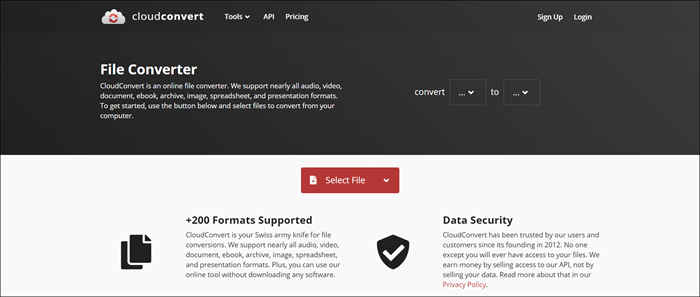
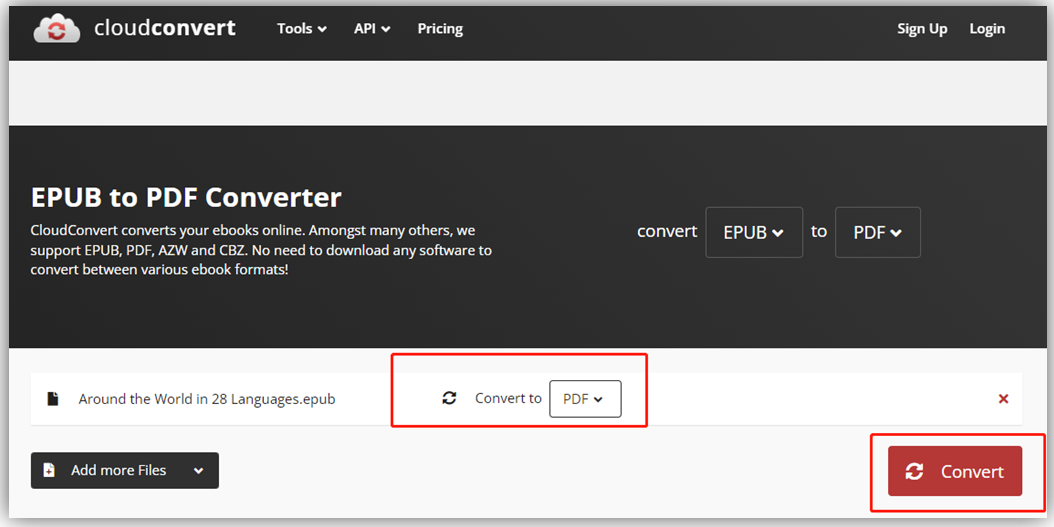
Use something like CloudConvert
What it looks like
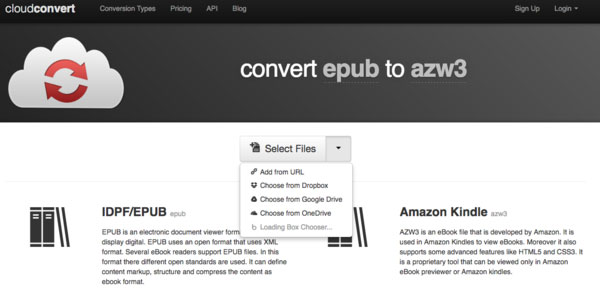
Reality check:
- Fast? Yes
- Reliable? Sometimes
- Clean formatting? Not guaranteed
Use this when:
- You’re on mobile
- You just need it readable, not perfect
Still Broken? Here’s the “Nuclear Fix”
This is what I use when everything else fails.
- Open MOBI in Calibre
- Convert to AZW3
- Then convert AZW3 → EPUB
Why this works:
AZW3 is a cleaner intermediate format than MOBI.
It forces Calibre to rebuild the structure twice. That often fixes hidden junk.
One Thing I Wish Everyone Knew From The Start
Don’t obsess over the file format.
What matters is the source quality of the book.
If the MOBI was:
- scraped
- poorly formatted
- converted badly originally
Then no converter on earth will make it perfect.
Best fix in those cases?
Find a clean EPUB source instead of converting.
Saves hours.
If You’re Doing This Regularly
Stop treating it like a one-off task.
Set up Calibre properly:
- Organize your library
- Edit metadata (title, author)
- Use bulk convert
Once dialed in, you can convert hundreds of books cleanly in minutes.
That’s the real workflow.
No guessing. No trial and error. Just control over the file.
You convert it right once… and it just works everywhere.