
Yeah, this one trips people up more than it should.
You download an EPUB, tap it… and Android just stares back at you like, “Cool file. No idea what to do with it.”
You didn’t do anything wrong. Android doesn’t natively open EPUB files. That’s the whole problem.
Good news? This is a 2-minute fix once you know what’s actually going on.
The #1 Reason This Happens (And Why Nothing Opens)
An EPUB is basically a packaged website (HTML + CSS + images). Android doesn’t include a built-in reader for that format.
So when you tap it:
- It might try to open in Files → fails
- Or Chrome → shows raw code or downloads again
- Or nothing happens at all
Fix: You need a proper reader app. That’s it.
The Only Apps I Actually Trust (After Testing Everything)
Don’t overthink this. Use one of these and move on.
1. Google Play Books (cleanest option)
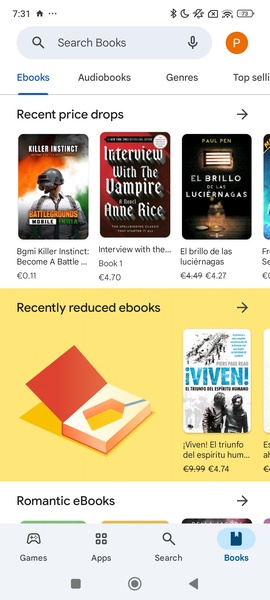

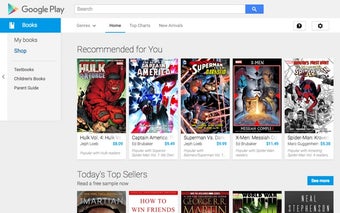
This is what I tell most people to use.
Why?
- Syncs across devices
- Handles EPUB cleanly
- No weird bugs with fonts or layouts
How to use it:
- Open the app
- Tap your profile → “Upload files”
- Select your EPUB
Or easier:
- Open your EPUB in Files
- Tap Share → Play Books
Done.
2. Moon+ Reader (for control freaks like me)

This one’s powerful. Almost too powerful.
You get:
- Font control
- Spacing tweaks
- Themes, gestures, everything
Use it if:
- Your EPUB looks weird elsewhere
- You want full control over reading experience
3. ReadEra (fast + no nonsense)
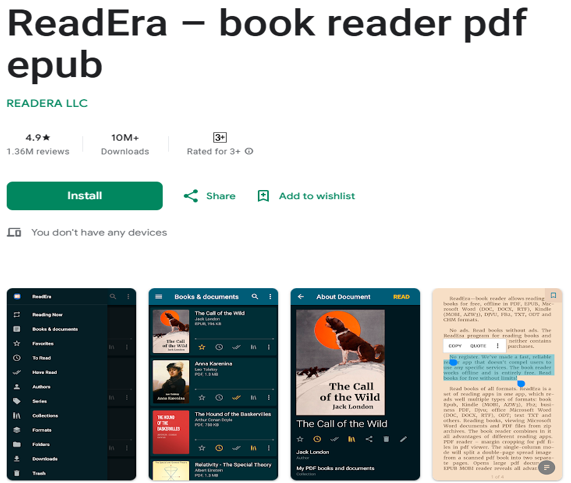
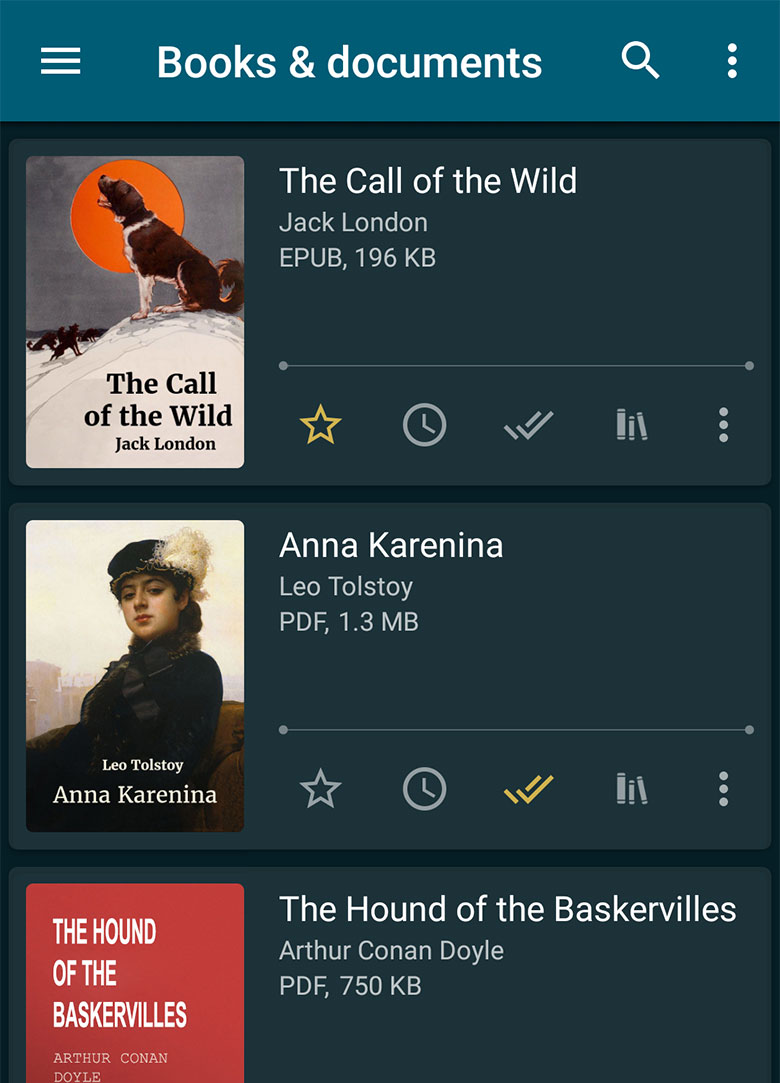
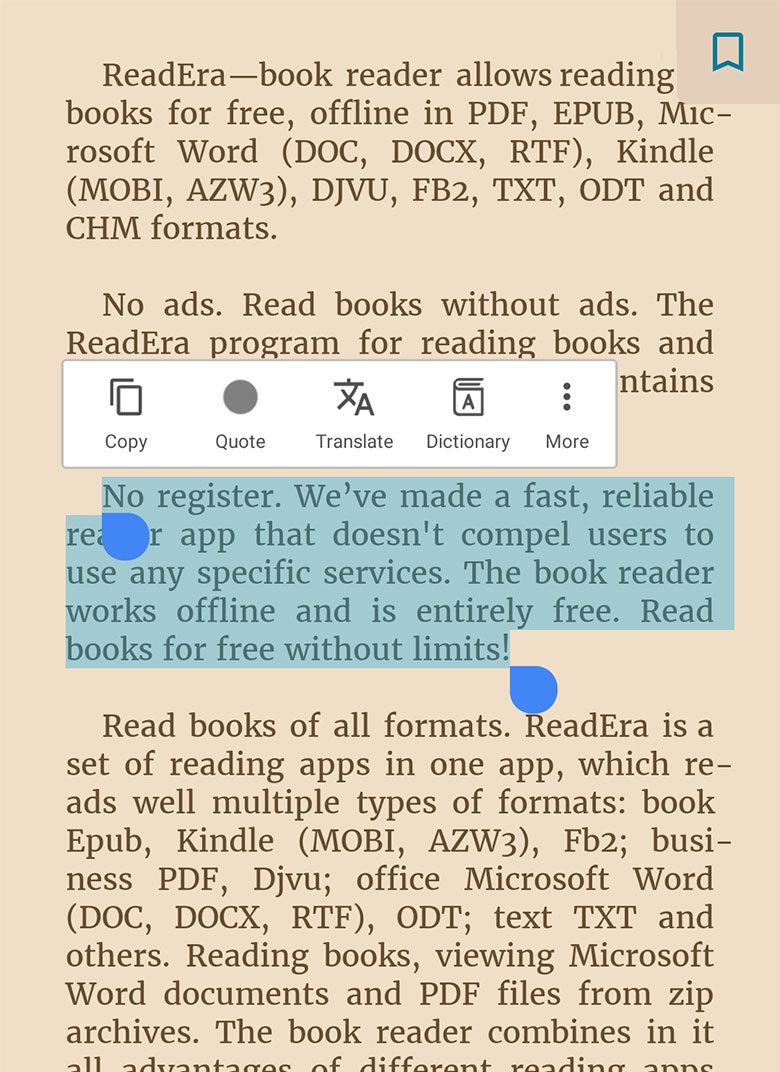
This one just works.
No accounts. No syncing. No distractions.
Best for:
- Offline reading
- Opening files instantly without setup
Quick Comparison (So You Don’t Waste Time)
| App | Best For | Weak Point |
|---|---|---|
| Play Books | Sync + simplicity | Needs upload step |
| Moon+ Reader | Full customization | Overwhelming at first |
| ReadEra | Fast + offline | No cloud sync |
If you just want it to open and read → ReadEra
If you want polish → Play Books
If you like tweaking everything → Moon+
The Mistake Everyone Makes (Don’t Do This)
They keep tapping the file hoping it’ll magically open.
Or worse:
- Try to open EPUB in Google Chrome
- Rename it to PDF (yes, people do this…)
That never works.
EPUB needs a reader. Always.
File Won’t Open Even After Installing an App?
Now we’re into real-world problems. Seen these a thousand times.
Check 1: The file is actually broken
- EPUB downloaded halfway
- Size looks suspicious (like 20 KB instead of a few MB)
Fix: Re-download it.
Check 2: DRM protection (this is a big one)
Some EPUBs (especially from stores) are locked.
Symptoms:
- Opens but shows blank pages
- Or “This file is protected”
That’s DRM (Digital Rights Management).
Fix options:
- Open it in the app/store you bought it from
- Or remove DRM (legal depends on your country—be careful here)
Check 3: Wrong file extension
I’ve seen this too many times.
File name:
book.epub.pdf
Looks like EPUB. It’s not.
Fix:
Rename properly or re-download.
Check 4: App doesn’t have storage permission
Especially on newer Android versions.
Fix:
- Go to Settings → Apps → your reader app
- Enable Files & Media access
The “Just Make It Work” Method (Fastest Way Possible)
If you don’t care about apps or settings:
- Install ReadEra
- Open Files app
- Tap EPUB
- Choose ReadEra
That’s it. No setup. No login. No thinking.
When EPUB Still Looks Ugly (Weird Fonts / Layout Broken)
This is where people get annoyed.
Some EPUBs are poorly formatted:
- Giant spacing
- Broken paragraphs
- Weird fonts
Fix:
- Use Moon+ Reader
- Override publisher styles
- Change font + spacing manually
This is the part most guides never tell you.
Sometimes the file is the problem, not your phone.
One Thing I Wish Everyone Knew From The Start
EPUB isn’t like PDF.
PDF = fixed page (like a printed book)
EPUB = flexible (text reflows based on your screen)
So:
- Font size changes layout
- Screen size affects formatting
- Apps render differently
That’s normal. Not a bug.
Still Stuck? Here’s the Nuclear Option
If nothing works:
- Install Calibre Companion
- Use Calibre on a computer
- Convert EPUB → MOBI or AZW3
- Send to your phone again
Overkill? Yes.
But it fixes 99% of weird edge cases.
You don’t need ten apps. You don’t need hacks.
You just needed one proper reader and a clean file.
Now it opens. You read. Done.