
You download an “ebook,” try to open it, and suddenly your device just… stares back at you. Or worse — it opens but looks completely broken.
You start thinking: “Did I download the wrong thing?”
Relax. You didn’t.
The problem is simpler than it looks.
The Core Truth Most People Miss
An ebook isn’t “a file.”
It’s a container format designed for reading, and different platforms decided to use different containers.
That’s the whole mess.
Think of it like video files:
- Some are MP4
- Some are MKV
- Some are AVI
Same movie. Different wrapper.
Ebooks work exactly like that.
The Main Ebook Formats (The Ones That Actually Matter)
Here’s the short list that covers 95% of real-world cases:
| Format | Where It Works Best | What It Really Is |
|---|---|---|
| EPUB | Most apps & devices | The standard format (flexible text) |
| MOBI | Older Kindle files | Amazon’s old format (mostly dead now) |
| AZW / AZW3 / KFX | Kindle devices/apps | Amazon’s locked ecosystem formats |
| Everywhere | Fixed-layout document (not truly an ebook) | |
| DOCX | Editing, not reading | Word file used before conversion |
Let’s break this down properly — because this is where people get stuck.
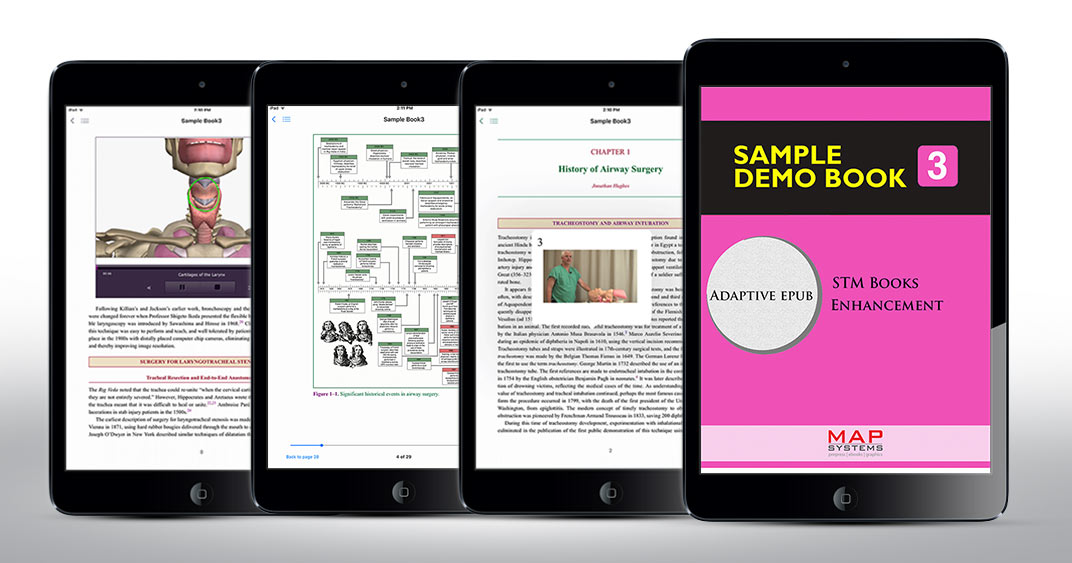
EPUB — The One Format You Should Care About
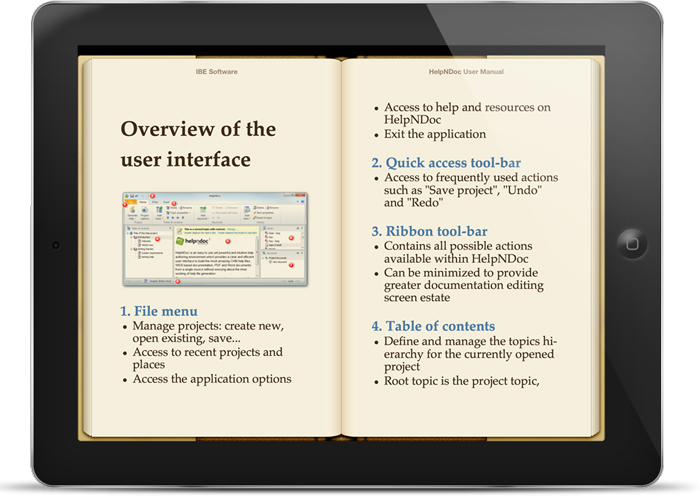
If you understand only one thing from this page, make it this:
👉 EPUB is the universal ebook format.
It’s what everything is built around:
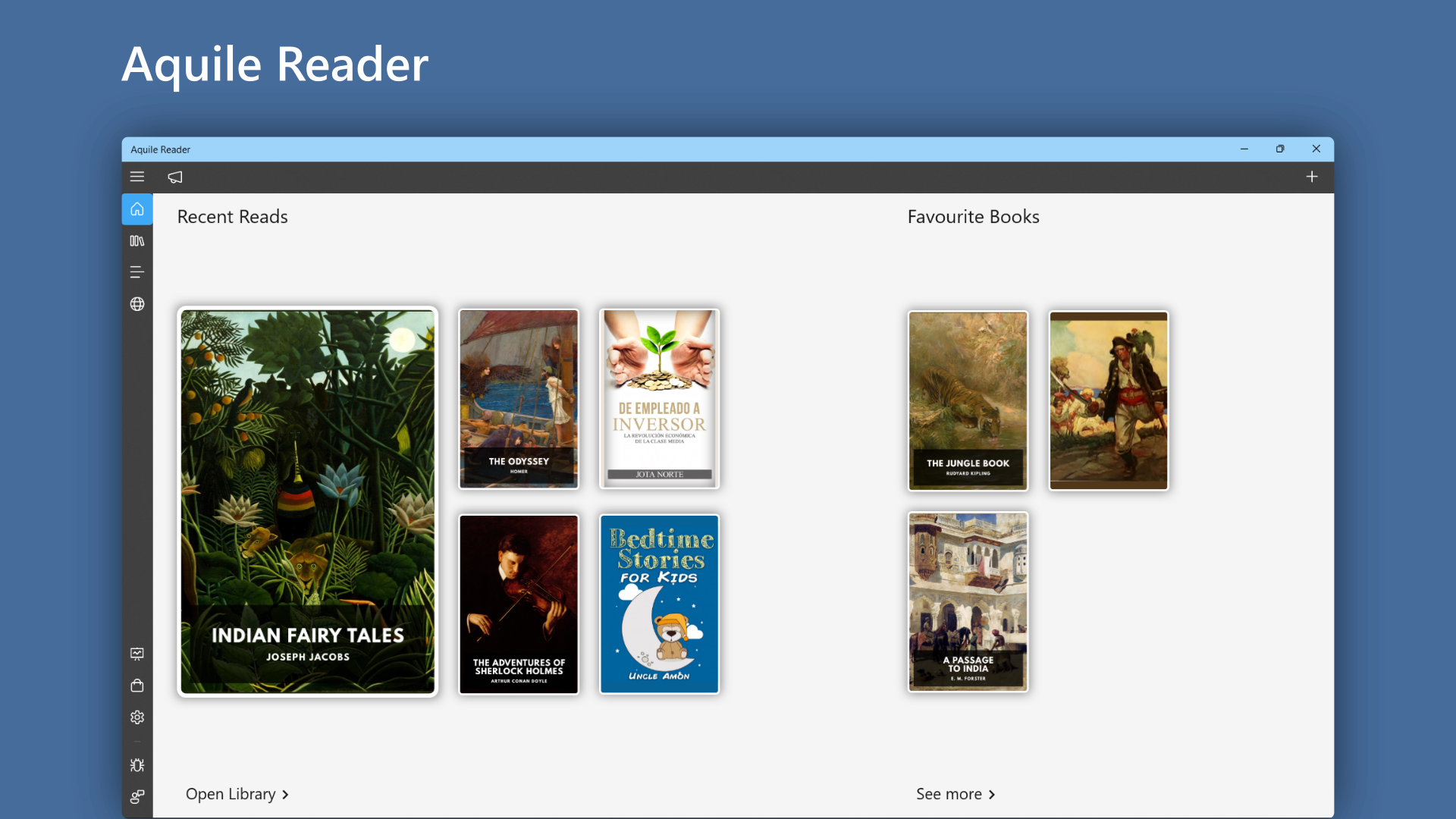
- Apple Books
- Google Play Books
- Most Android readers
- Most publishing platforms
Why it works:
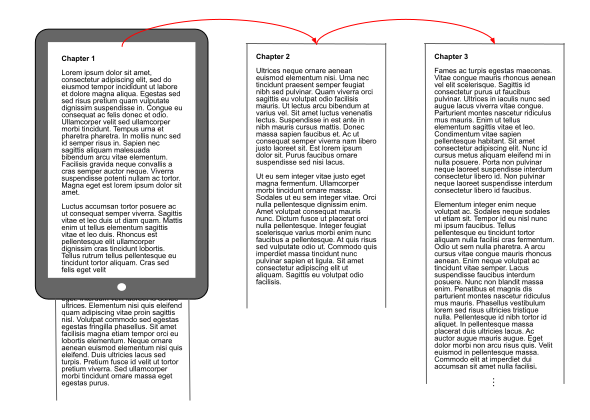
- Text resizes automatically
- Fonts can change
- Works on phone, tablet, e-reader
Think of it like a responsive website.
This is what people expect an ebook to behave like.
Kindle Formats (Why Your File Won’t Open on Kindle)


Here’s where people get annoyed.
Amazon doesn’t play nice.
Instead of EPUB (originally), they used:
- MOBI (old)
- AZW / AZW3
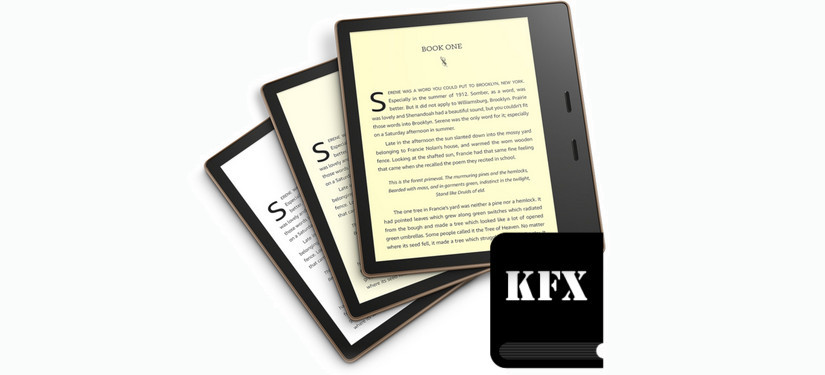
- KFX (newer, more locked)
If you try to open EPUB directly on older Kindle setups, it used to fail.
Now?
Things changed.
👉 Amazon Kindle Direct Publishing (KDP) accepts EPUB uploads now and converts them internally.
But here’s the catch most people hit:
- Sending EPUB manually to a Kindle device sometimes still fails
- Formatting can break during conversion
- Fonts/images may shift
This is the part everyone messes up.
They think: “EPUB = universal = works everywhere.”
Not quite. Kindle still does its own thing behind the scenes.
PDF — Looks Right, Reads Wrong
PDF is the biggest trap.
People assume:
👉 “It looks perfect, so it must be right.”
Wrong.
PDF is:
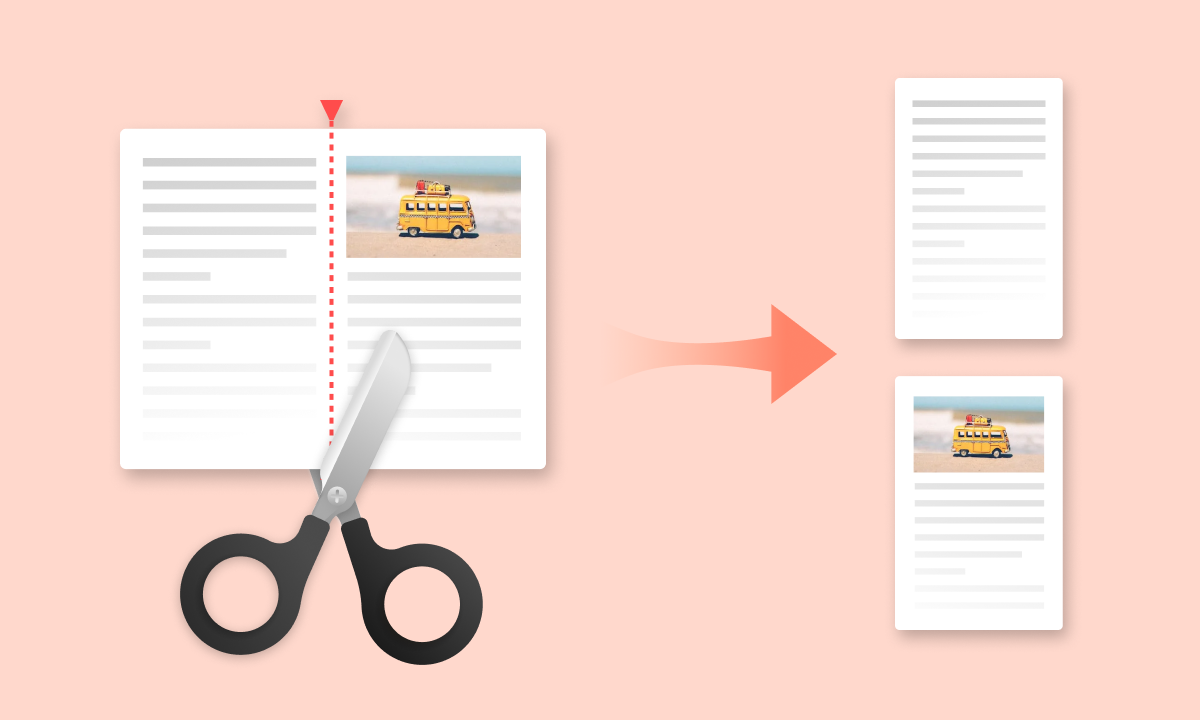
- Fixed layout
- Designed for printing
- Not responsive
On a phone?
- Tiny text
- Constant zooming
- Broken reading flow
PDF is not a real ebook format.
It’s a document.
Use it only if:
- Your book is visual (workbooks, comics, manuals)
- Layout matters more than readability
MOBI — The Zombie Format
Quick one.
MOBI used to be Kindle’s main format.
Now?
👉 Basically deprecated.
- Amazon stopped supporting new uploads in MOBI
- Still exists in old files floating around
If you’re starting fresh:
👉 Ignore MOBI completely.
DOCX — The Hidden Starting Point
This is what nobody tells beginners.
Most ebooks don’t start as EPUB.
They start as:
👉 Microsoft Word files (.DOCX)
Why?
Because:
- Easy to write
- Easy to edit
- Clean structure
Then you convert:
- DOCX → EPUB
- EPUB → Kindle format
Bad formatting in DOCX = broken ebook later.
That’s the root cause behind 80% of formatting complaints.
The #1 Reason Your Ebook Looks Broken
Let me save you hours here.
It’s not the format.
It’s:
👉 Bad structure inside the file
Common mistakes I see all the time:
- Manual spacing (hitting Enter repeatedly)
- Using tabs instead of styles
- No proper headings (Heading 1, Heading 2)
- Random font changes everywhere
- Images pasted without alignment rules
Ebook formats rely on structure, not appearance.
Think of it like HTML:
- Clean code → clean output
- Messy code → chaos everywhere
Quick Reality Check — What You Should Actually Use
If you’re creating or publishing:
- Write in DOCX
- Convert to EPUB
- Upload EPUB to Amazon Kindle Direct Publishing
If you’re just reading:
- Use EPUB (best experience)
- Use Kindle formats only on Kindle
- Avoid PDF unless necessary
When You’ll Actually Need Each Format
Here’s the real-world breakdown:
- EPUB → Best for readers, publishing, apps
- KFX/AZW → Only if you live inside Kindle
- PDF → Workbooks, guides, design-heavy books
- DOCX → Writing stage only
Simple.
Still Stuck? Here’s What I’d Check First
If something isn’t opening or looks weird:
- Are you trying to open EPUB in a non-supported app?
- Are you sending files to Kindle the wrong way?
- Did you convert from a messy Word file?
- Is your PDF being forced into an ebook reader?
Fix those first.
The One Thing I Wish Everyone Knew From Day One
Stop thinking:
👉 “Which format should I pick?”
Start thinking:
👉 “Where is this book going to be read?”
That decides everything.
- Kindle? → Let Amazon handle conversion
- Mobile apps? → EPUB
- Printable workbook? → PDF
Once you get that, the confusion disappears.
You’re not stuck because this is complicated.
You’re stuck because nobody explained the ecosystem properly.
Now you’ve got it.