
Yeah… this trips a lot of people up.
You search “buy EPUB books,” grab something, and suddenly:
- it won’t open
- it’s locked (DRM)
- or your reader says “unsupported format”
Annoying. Not your fault.
Here’s the straight answer from someone who’s dealt with this mess for years.
The #1 Thing Everyone Gets Wrong First
Not every “ebook store” actually gives you a clean EPUB file.
Some sell:
- EPUB with DRM (locked)
- their own format (looking at you, Amazon with Kindle)
- or files tied to an app only
What you want (most of the time):
👉 DRM-free EPUB
That means:
- you can open it anywhere
- move it between devices
- back it up without drama
If you remember nothing else, remember that.
The Reliable Places (That Actually Work)
1. Kobo — My go-to for clean EPUBs
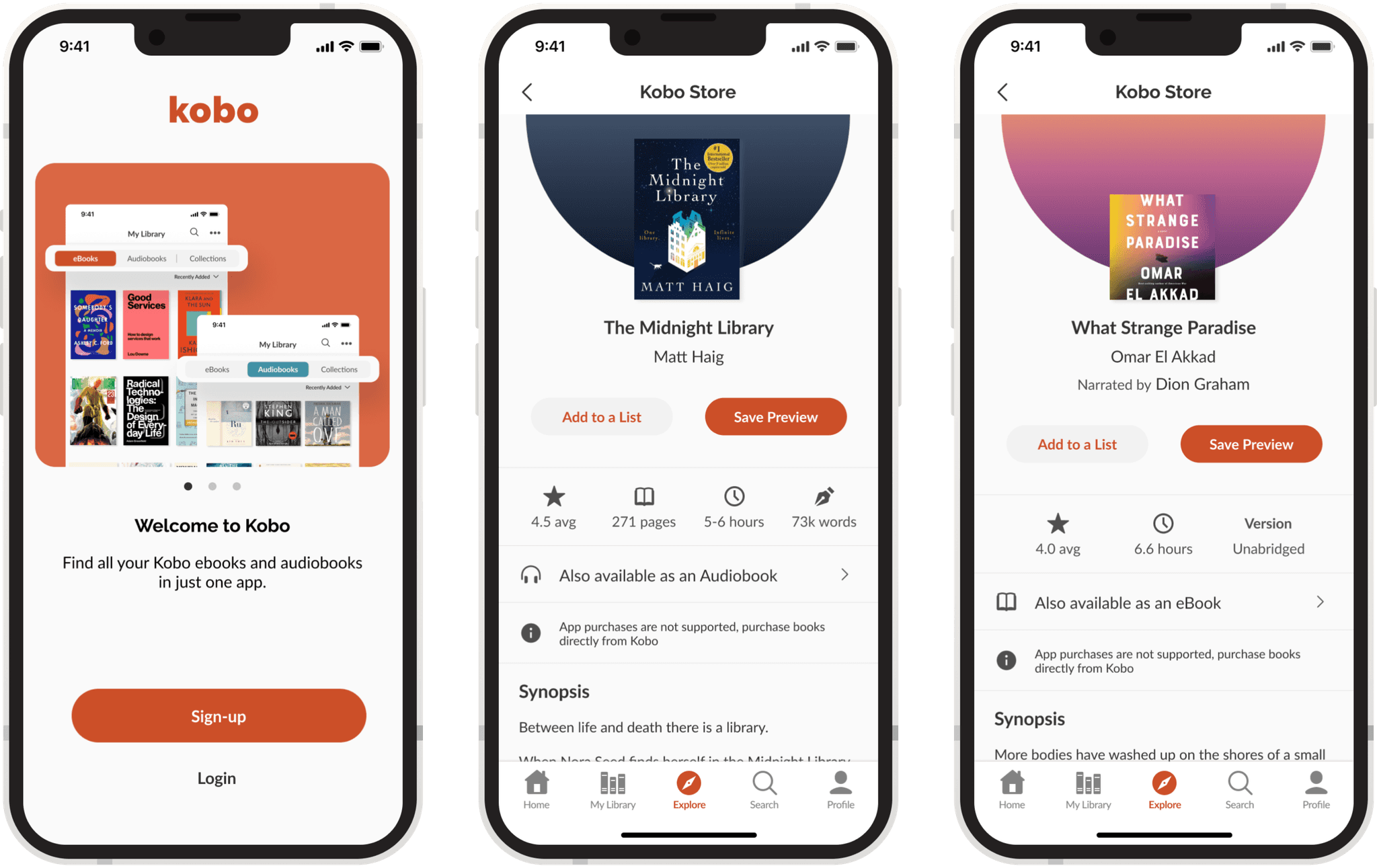


Kobo gets it right more often than most.
- Huge catalog (same big publishers as Kindle)
- Many books download as EPUB
- Works with apps and direct file access
Watch for:
Some titles still have DRM, but easier to manage than others.
2. Google Play Books — underrated and flexible
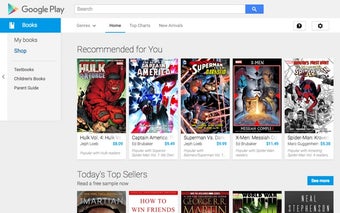
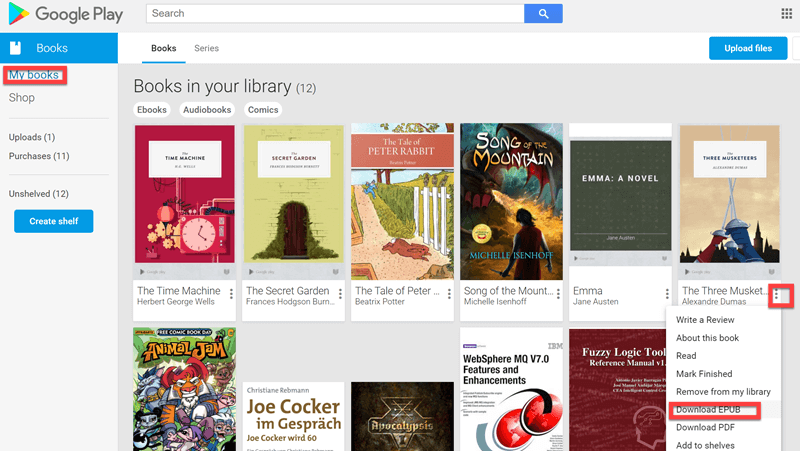


People ignore this one. They shouldn’t.
- You can upload your own EPUBs
- Many purchases allow EPUB download
- Syncs across devices nicely
Hidden advantage:
You can mix bought + personal books in one place.
3. Smashwords — clean files, no nonsense
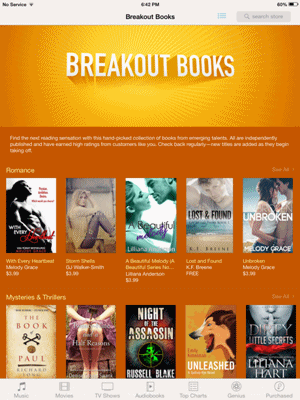


This is where things get simple.
- DRM-free almost always
- Direct EPUB download
- Tons of indie content
Reality check:
Less mainstream titles. But technically? Excellent.
4. Project Gutenberg — free and legal
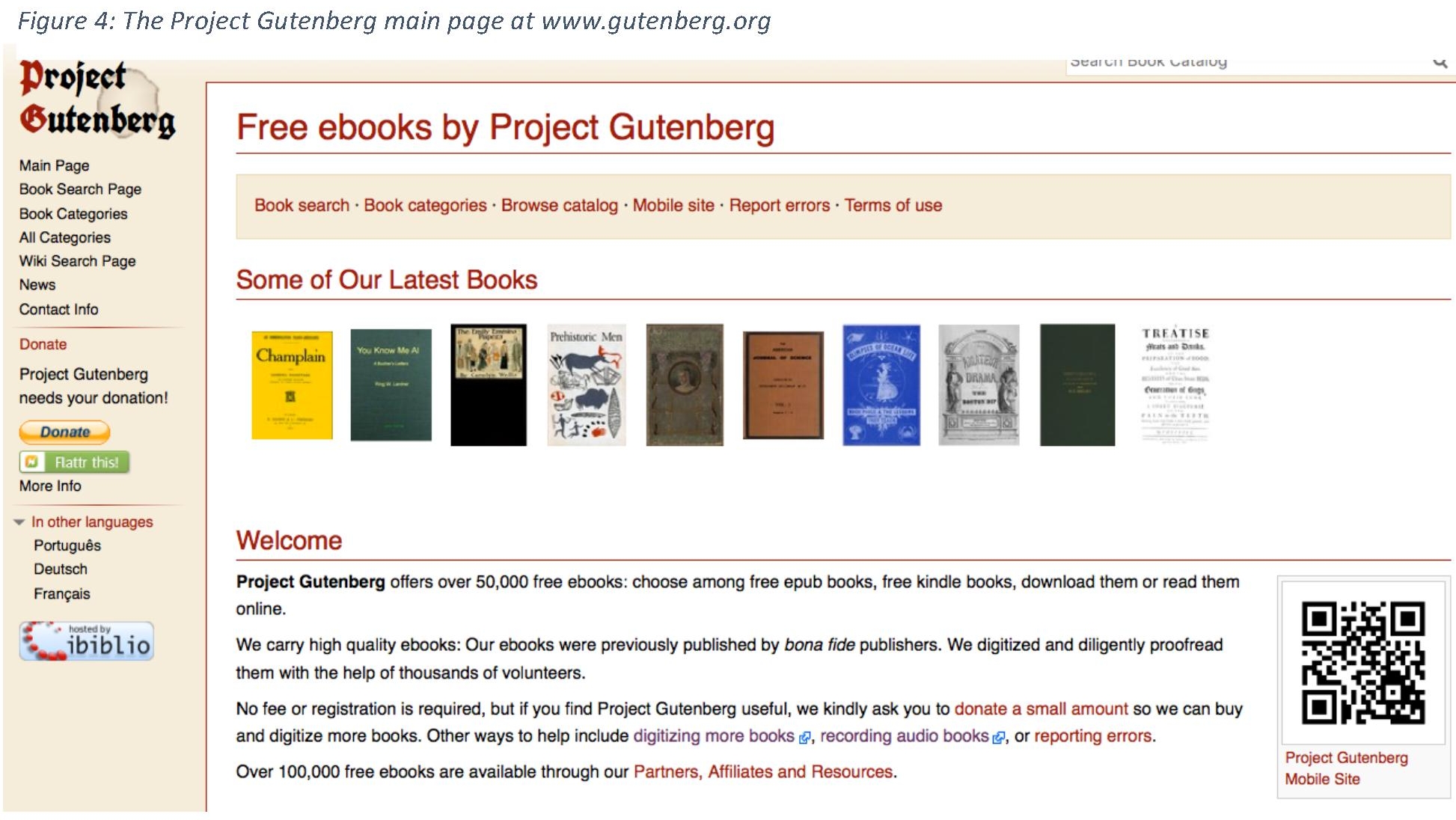

Old books, but clean files.
- 100% free
- EPUB, Kindle, plain text
- No DRM ever
Think classics:
- Shakespeare
- Sherlock Holmes
- Jane Austen
5. Apple Books — good, but ecosystem-heavy
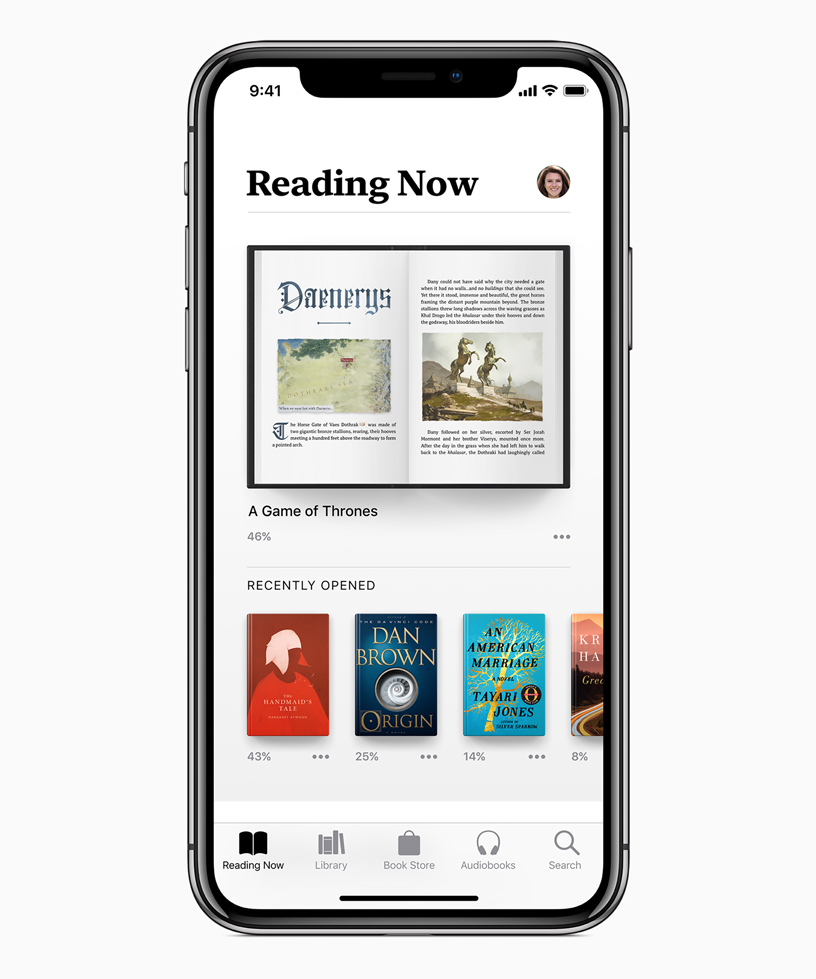
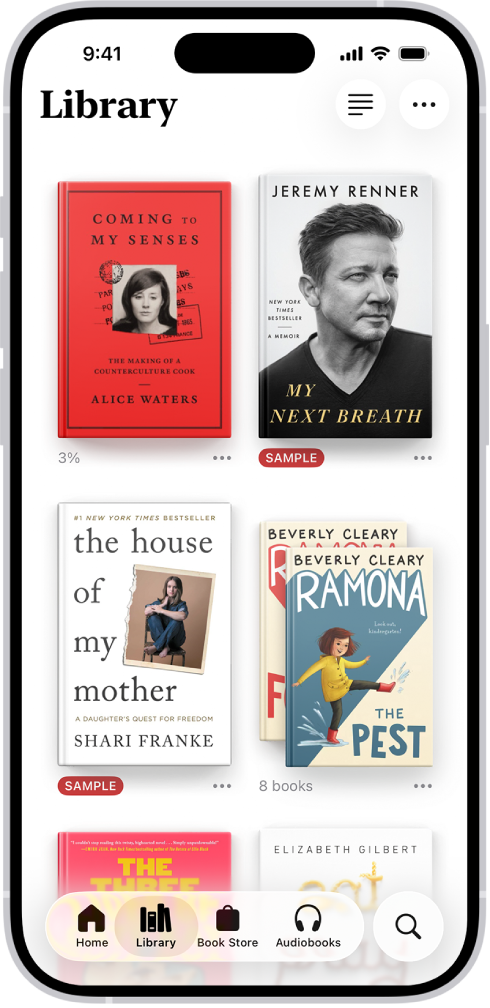
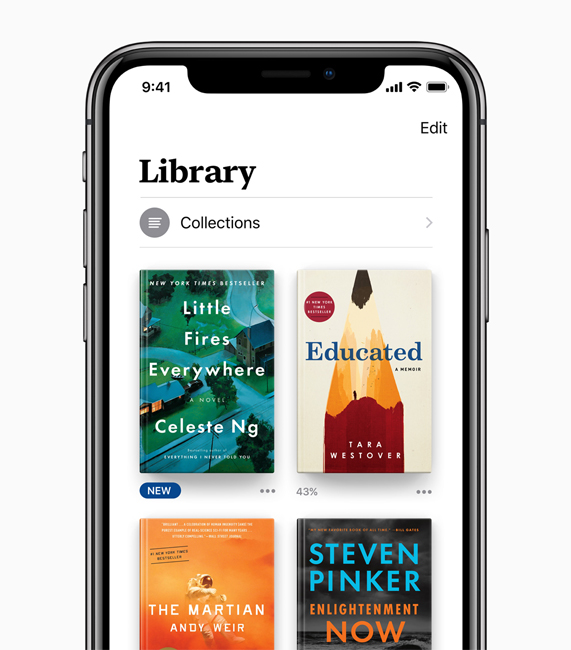
- Uses EPUB under the hood
- Smooth experience on iPhone/Mac
Catch:
Apple likes to keep you inside their system.
The Ones That Confuse People (Avoid the Trap)
Amazon (Kindle Store)
You’ll see millions of books. Sounds perfect.
But:
- Not EPUB (they use AZW/KFX)
- No direct EPUB downloads
Yes, you can send EPUB to Kindle now.
But that’s conversion, not buying EPUB.
Different thing.
Quick Comparison (So You Don’t Overthink It)
| Platform | EPUB Download | DRM-Free Option | Best For |
|---|---|---|---|
| Kobo | Yes | Sometimes | Mainstream books |
| Google Play Books | Yes | Sometimes | Flexibility |
| Smashwords | Yes | Mostly yes | Indie + clean files |
| Project Gutenberg | Yes | Always | Free classics |
| Apple Books | Limited | No | Apple users |
| Amazon Kindle | No | No | Kindle-only users |
The Simple Buying Workflow (That Never Fails)
Here’s what actually works in real life:
- Buy from Kobo or Smashwords
- Download the .epub file
- Open with:
- Calibre (best for managing)
- Apple Books / Google Play Books / any reader app
That’s it. No hacks. No headaches.
When the EPUB You Bought “Doesn’t Work”
This is the part people blame themselves for.
Usually it’s one of these:
- DRM lock → file opens only in specific apps
- Wrong app → some apps don’t support proper rendering
- Corrupt download → happens more than you’d think
- Kindle confusion → EPUB ≠ native Kindle format
Quick test:
👉 Open it in Calibre
If Calibre can’t read it, the file is bad. Period.
The One Thing I Wish Everyone Knew
Stop chasing “where to buy EPUB” and start asking:
👉 “Will this store let me download a usable EPUB file?”
That question saves hours.
Because buying is easy.
Owning the file properly? That’s where people get stuck.
Still Stuck? Here’s the Cleanest Setup
If you want zero friction:
- Buy from Kobo
- Manage with Calibre
- Read on:
- phone → Google Play Books
- desktop → Calibre
- tablet → anything EPUB-friendly
That combo just works. Every time.
You’re not confused—you were just never told the difference between buying an ebook and actually getting a usable file.
Now you know.